Test WebSocket Endpoints via the WebSocket Console
API Platform offers an integrated WebSocket Console to test WebSocket endpoints for the API proxies you create and deploy. Since API Platform secures WebSocket APIs with OAuth 2.0 authentication, the WebSocket Console generates test keys to help you test your APIs.
Follow these steps to test a WebSocket endpoint using the WebSocket Console:
- Go to the API Platform Console and log in.
- Select the project and API which you want to test.
- Click Test in the left navigation menu, then select Console. This will open the WebSocket Console pane.
-
In the Console pane, select the desired environment from the drop-down menu.
-
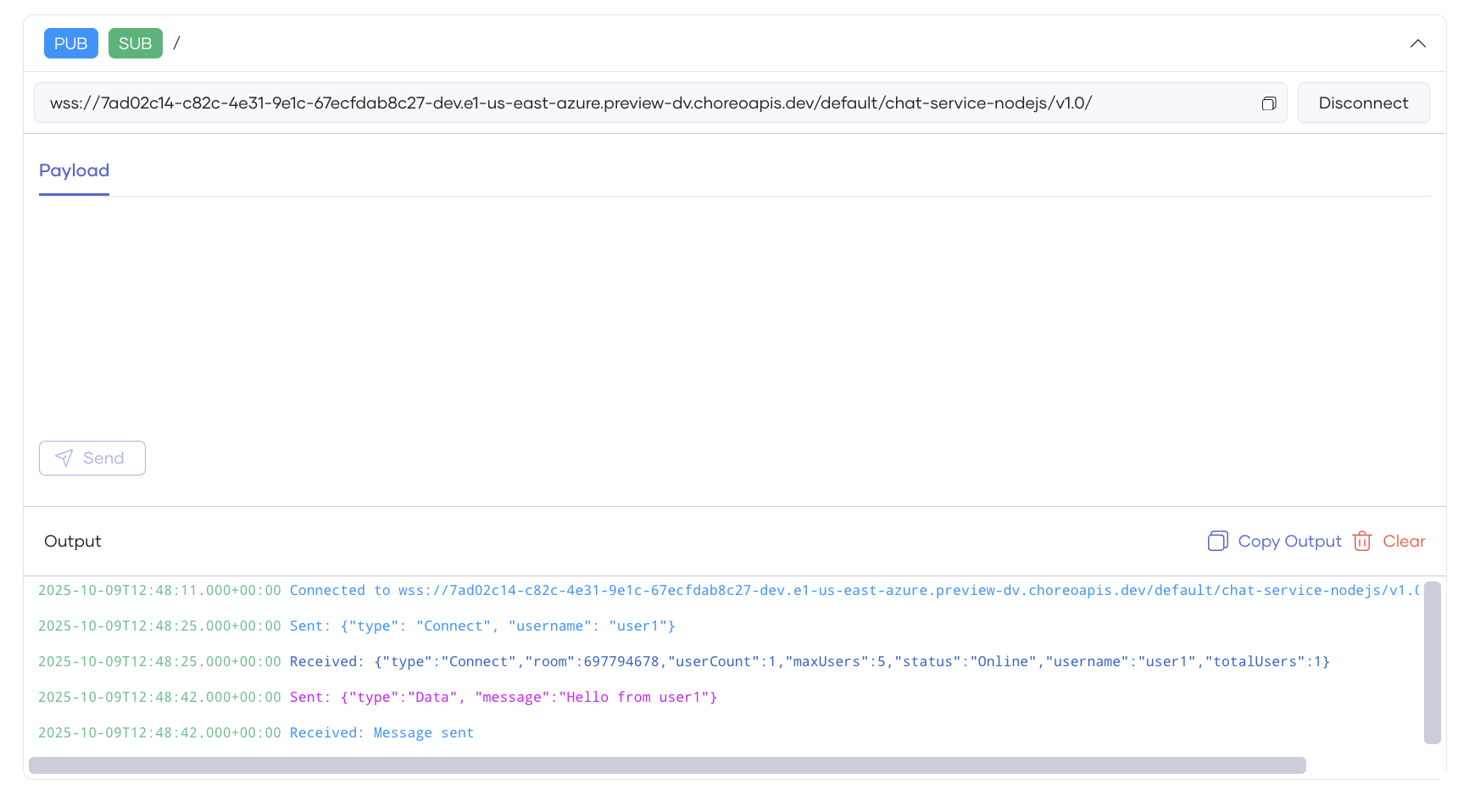
Expand the topic you want to test.
- Provide values for any parameters, if applicable.
- Click Execute or Connect. The output will be displayed under the Output section.