Documents
When an API consumer signs in to the API Platform Developer Portal to browse APIs, it is not sufficient to just have an API thumbnail along with the name and version of the API. An API consumer would expect to see more details about the API, such as the following:
- A brief description of the API.
- How to invoke the API.
- The limitations/restrictions of the API.
- Version history.
To provide such information that improves the overall visibility of the API, an API developer can add such documentation to an API before publishing it to the Developer Portal.
Add Documents to an API
To add documentation for an API, follow the steps given below.
-
Sign in to the API Platform Console.
-
Select the project and the API that you want to add documentation.
-
In the left navigation menu, click Develop and then click Documents.
-
Click Create Document.
-
Specify document name and document type for the document and provide the content in markdown syntax.
-
Click Create to save the document.
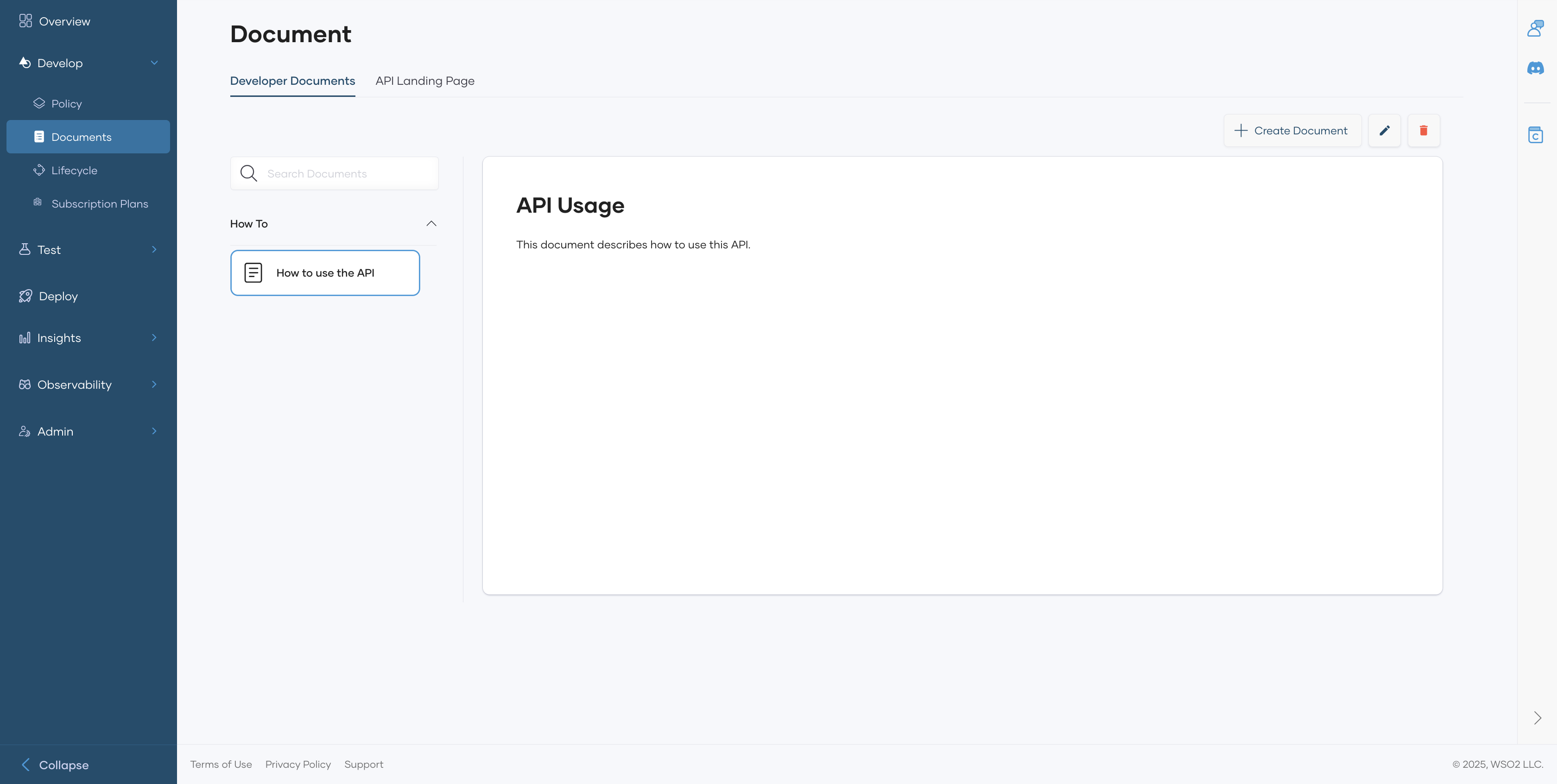
Depending on the information you need to add to the API, you can add one or more documents.
You can also edit existing documents and delete documents if necessary.