Developer Portal Mode
API Platform's developer portal can be configured in different modes based on your requirements.
You can find this under the Configuration tab in the Developer Portal section in your organization's settings pane.
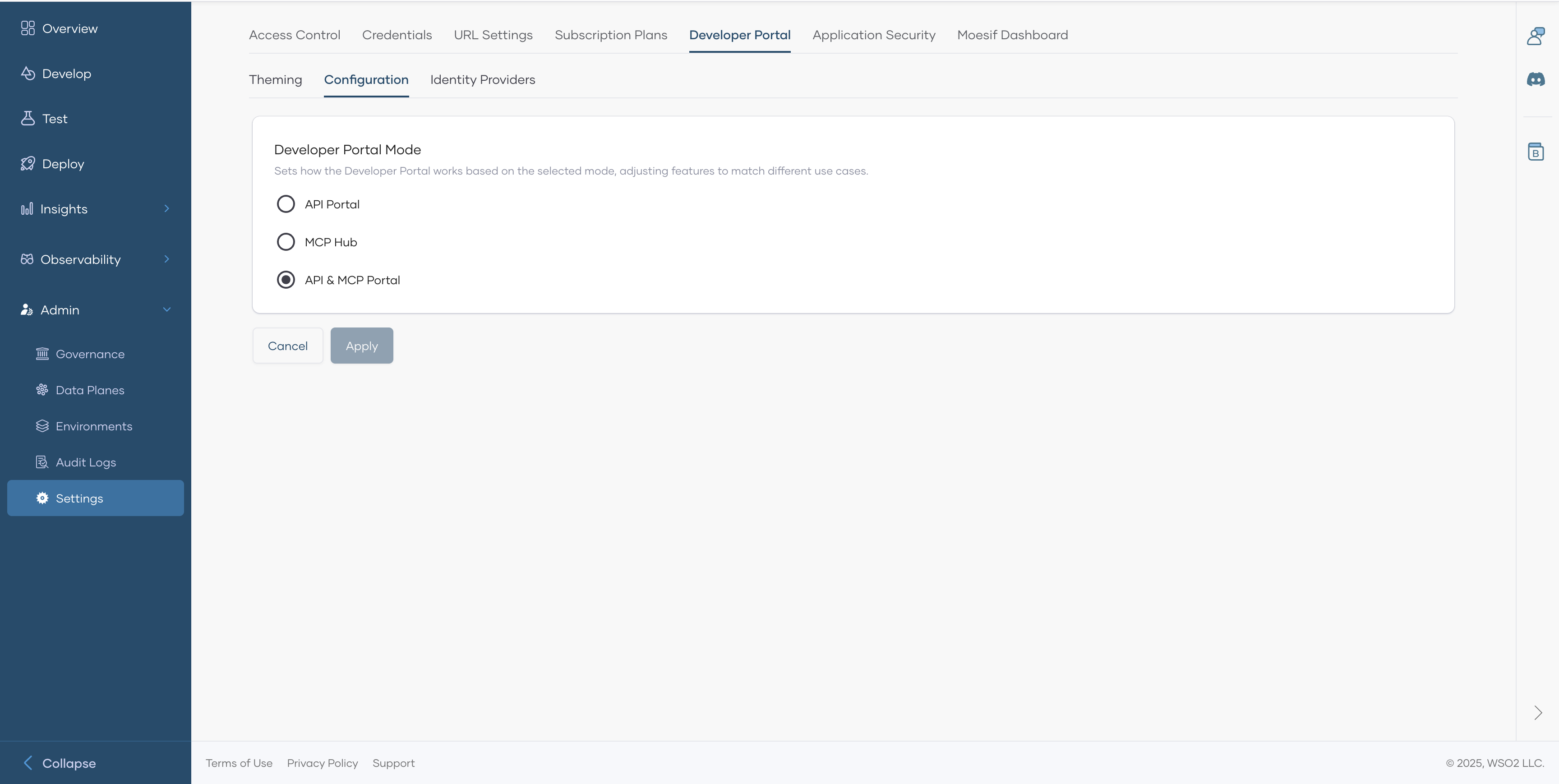
Devportal configuration has 3 modes.
- API Portal - In this mode, only API Proxies will be shown in the Devportal. Suitable if you have nothing to do with MCP.
- MCP Hub - In this mode, only MCP Servers will be shown in the Devportal. Suitable if you are using API Platform for MCP related use cases.
- API & MCP Portal - This is the default mode. Both API Proxies and MCP Servers will be shown in the Devportal