Adding and Managing Policies
This guide explains how to add and manage policies for your Self-Hosted Gateway using API Platform's unified control plane.
Overview
Policies allow you to enforce security, rate limiting, transformation, and other governance requirements on your APIs. With the Self-Hosted Gateway, you manage policies centrally through API Platform's Policy Hub, and they are automatically synchronized to your gateway.
Adding Policies to an API
To add policies to an API deployed on your Self-Hosted Gateway:
- Sign in to the API Platform Console.
- Select your organization and project.
- Navigate to the API proxy you want to configure.
-
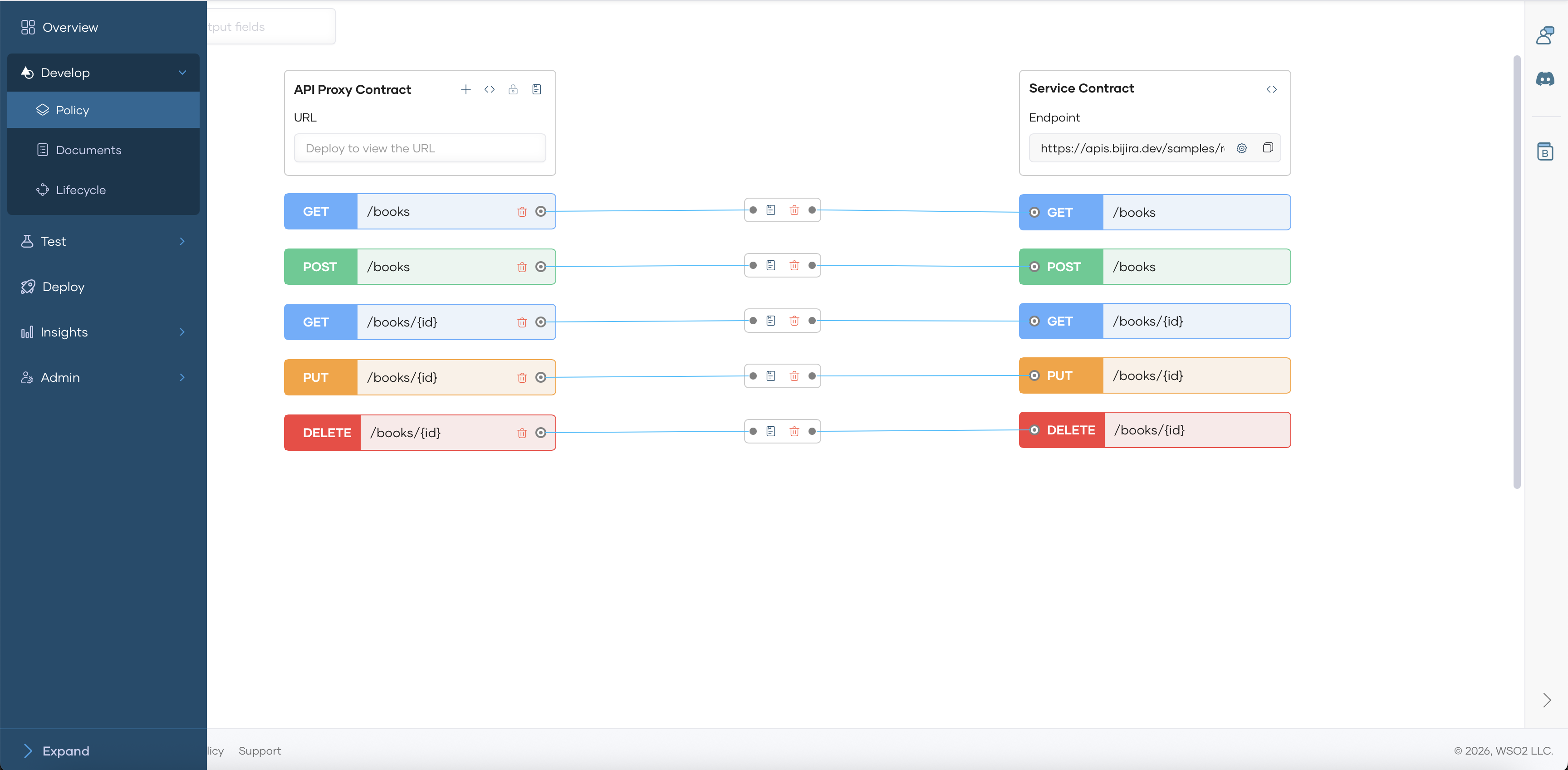
Click Develop in the left navigation, then select Policies.
-
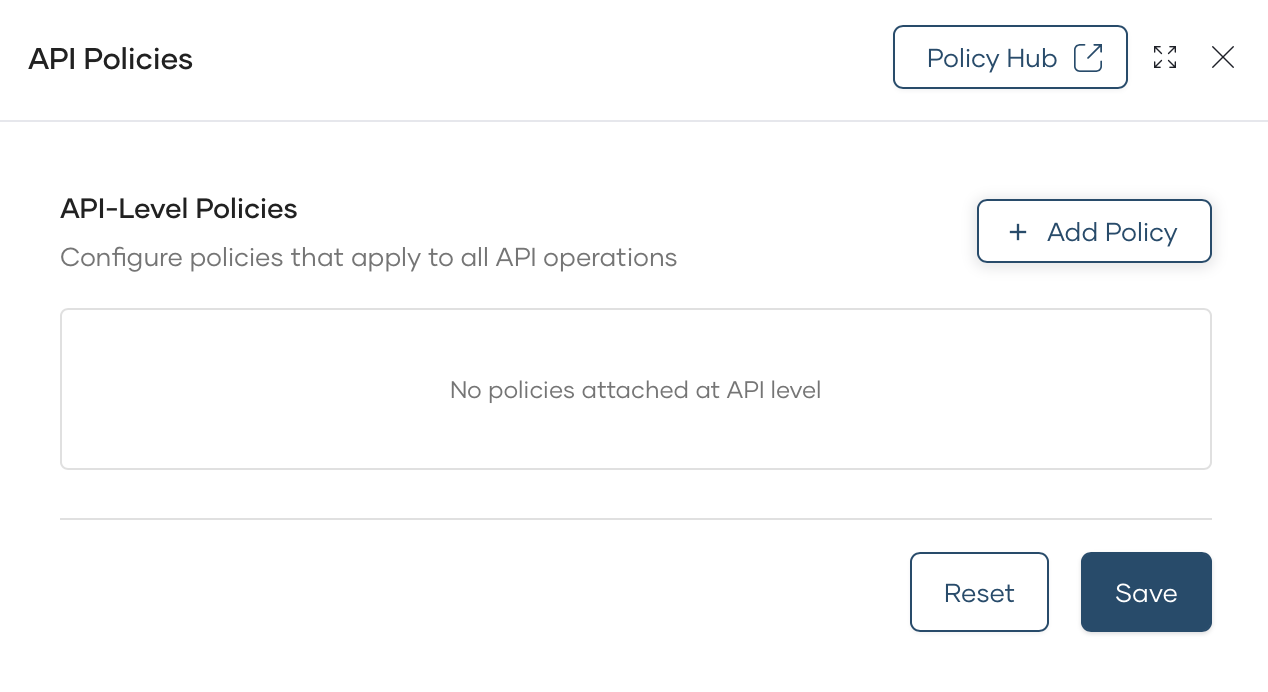
Choose the policy flow for API level or Resource Level:
-
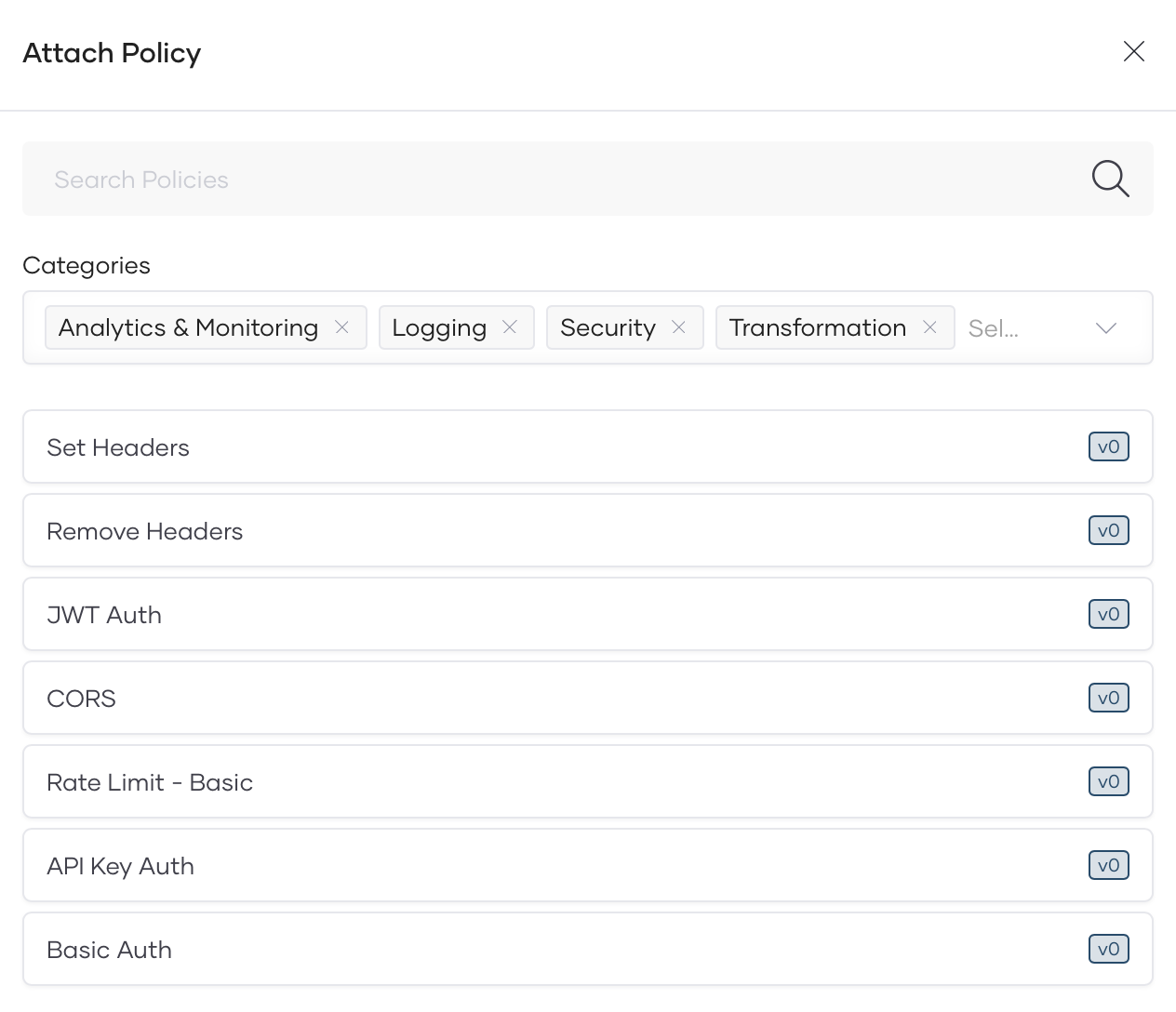
Click + Add Policy and select the policy type.
-
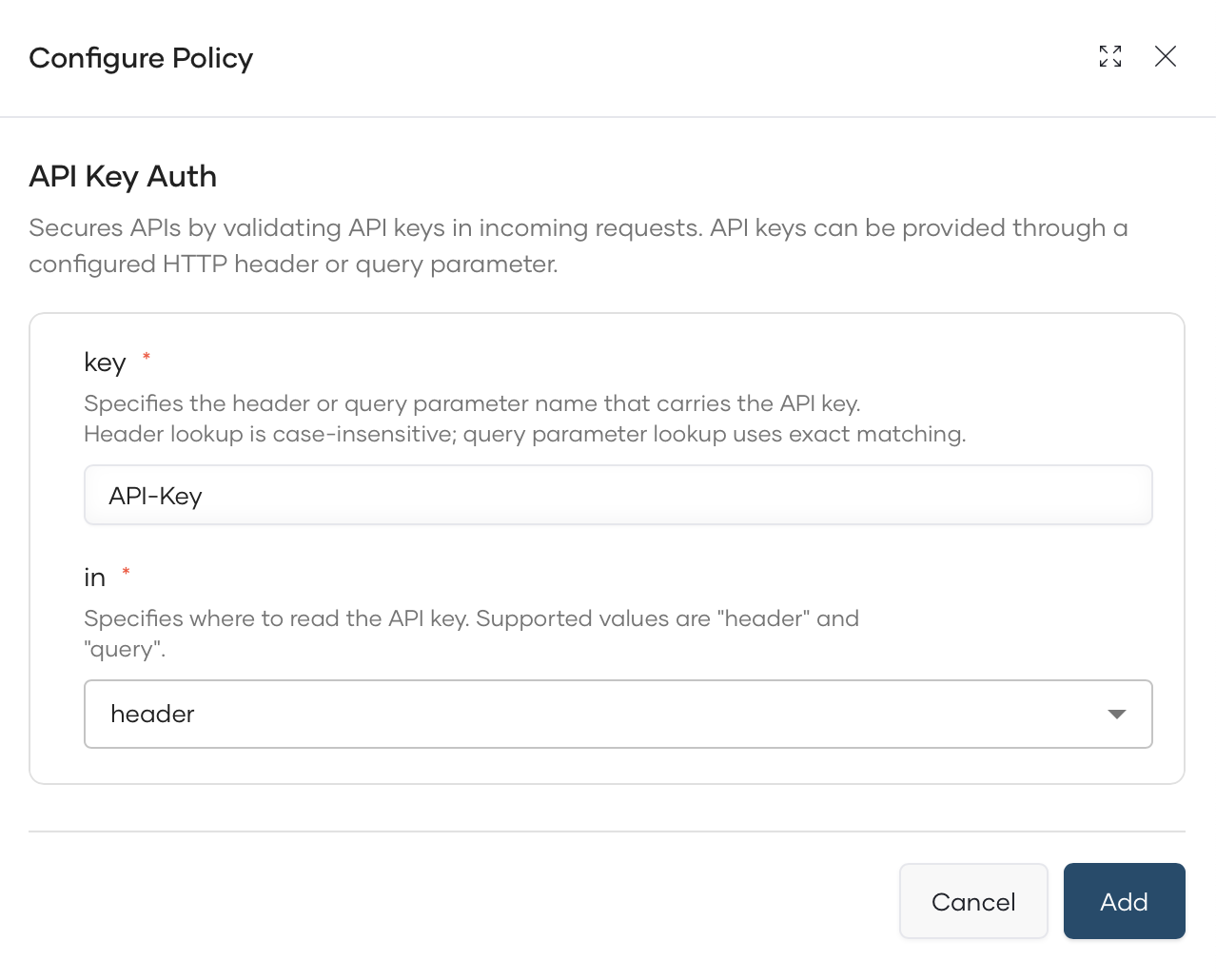
Configure the policy parameters.
-
Click Add to apply the policy.
- Then Save the API.
- Deploy the API changes to the Gateway.
Available Policy Types
Navigate to API Platform Policy Hub to discover available policies.
What's Next?
- Analytics: Monitor API traffic and performance
- Troubleshooting: Common issues and solutions